Two tools from my clinic you can actually try.
Most AI demos for vets are a video and a sales call. I'd rather you click around and see for yourself. These are two tools I built for my own clinic and use on real patients every week. Both have a shared login, so there's no account to make, and neither costs anything.
If you only try one, try the lab interpreter. I made up a lab report for it, so you don't need to dig up a real one.
Lab interpreter
Read a lab report the way you'd explain it in the room.
My Antech results land in my inbox as PDFs. Reading one takes a minute. Turning it into a text the owner will actually understand takes a lot longer, and that part used to wait until after close, sometimes until the next morning.
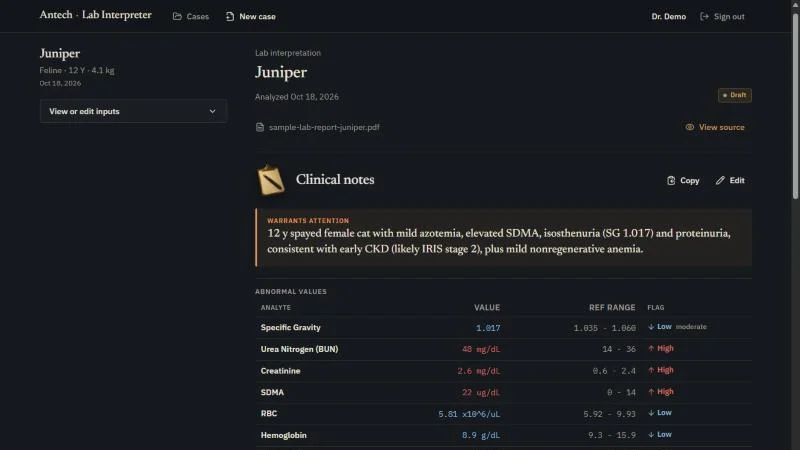
So I built this. You drop the PDF in and it gives back two things: a short clinical read for the doctor, with every flagged value and its reference range copied exactly as printed, and a message for the owner in plain words, two short paragraphs at most. It's built around Antech's layout because that's the lab I use. It's mine, not Antech's, and they had nothing to do with it.
-
Download the sample report.
Juniper is a made-up 12-year-old cat. Her owner, her clinic and the lab are made up too. Her numbers tell a real story, though, the kind you'd see on a Tuesday.
-
Get the shared login.
Leave your name and email and I'll show it to you. I keep a list so I know who tried it.
Here's the shared login.
- Password
-
Sign in and drop the PDF in.
Open the interpreter, sign in, and drag the sample report into the upload box (or click it and pick the file). Then hit Analyze lab results and give it 20 or 30 seconds.
What a good read looks like
Juniper's BUN, creatinine and SDMA are all up, her urine is dilute with a little protein in it, and she's mildly anemic with almost no regeneration. Her T4 is normal. A good read ties that together as kidney disease, says the anemia fits it, and asks for a urine protein:creatinine ratio and a blood pressure. The owner message should say all that without a single abbreviation in it.
If it gets something wrong, I want to hear about it. Tell me. I read those.
Before you upload anything else
- It's a shared account. Anyone using the demo can see what's in it, and it gets wiped clean every hour.
- Don't upload a real client's labs. If you want to try your own pet's, black out the names first.
- It runs a limited number of reports an hour for everyone together. If it tells you to try again later, that's why.
- The settings are yours to play with, including the instructions it follows. They go back to normal at the next wipe.
DischargePro
The go-home sheet I send after surgery and dentals.
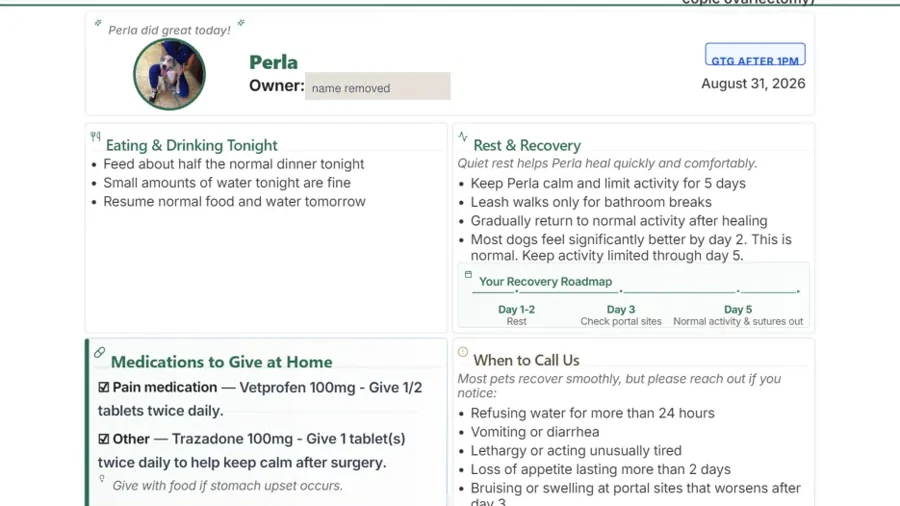
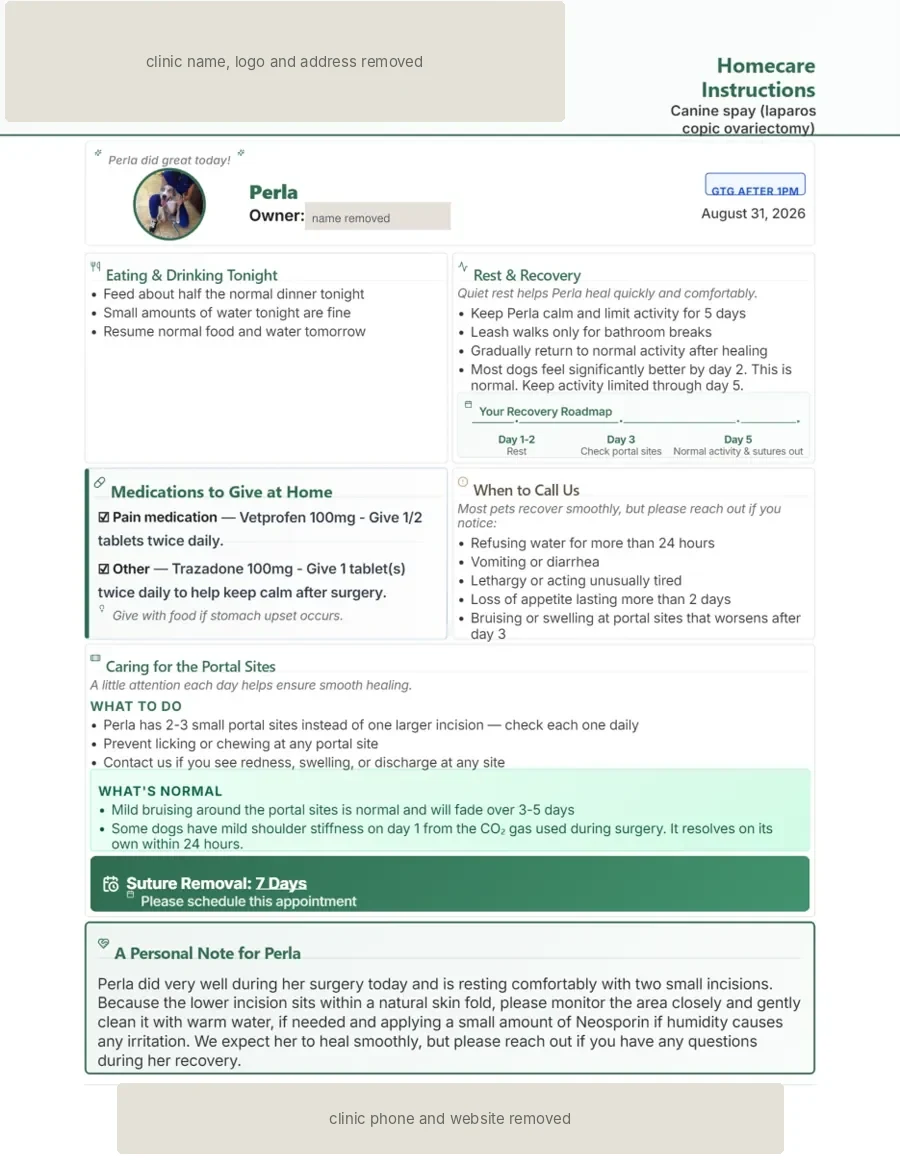
After a dental or a spay, the owner is standing at the counter with a groggy pet and a folded sheet that ends up on the floor of the car. DischargePro turns the visit into one page: the pet's photo, the meds that went home, a recovery roadmap, what to call about, incision care, and a short note in my own words.
Smaller things to try
No login needed for these.
- The text refiner. Type a rushed reply to a client and it hands back the friendly version. It runs the real prompt my front desk uses.
- Real paperwork from one day. Two discharge sheets that went home with real patients, owners' names taken out.
- Everything I've built. Including the ones that didn't work out.